
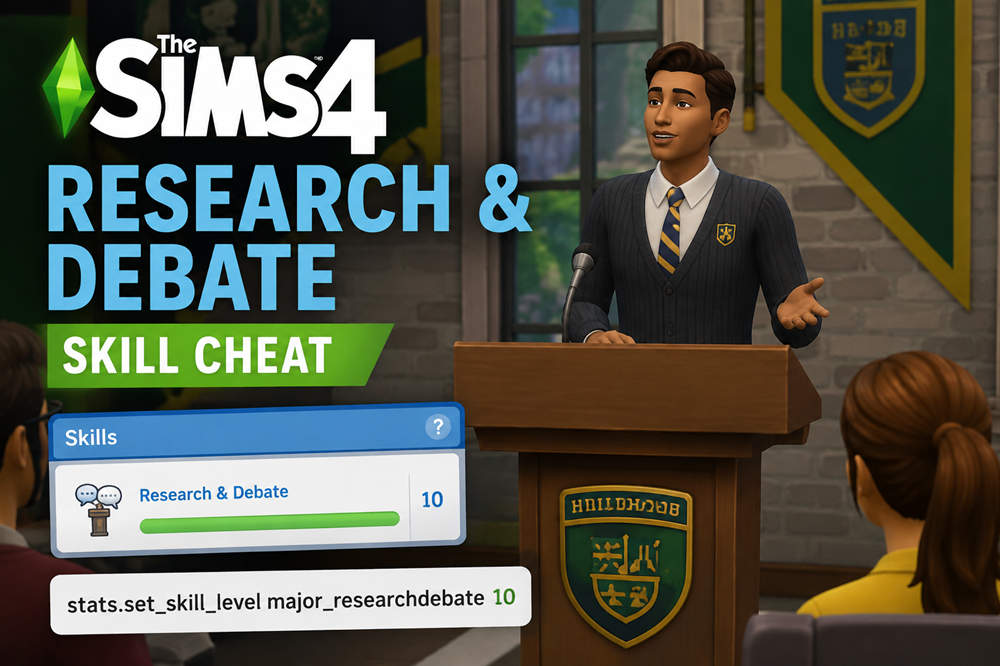
The Sims 4 Research and Debate skill cheat is stats.set_skill_level major_researchdebate 10. It sets the selected Sim’s Research & Debate skill to the maximum level. Replace 10 with any number from 1 to 10 if you want a different skill level instead.
Research & Debate is a 10-level skill included with The Sims 4: Discover University. Here is how to use the cheat on PC, Mac, PlayStation, and Xbox, along with every level command and the most common reasons it may not work.
Sims 4 Research and Debate Skill Cheat
To max the skill, use:
stats.set_skill_level major_researchdebate 10
The final number determines the level your Sim receives. For example, this command sets the skill to level 6:
stats.set_skill_level major_researchdebate 6
You can choose any number from 1 through 10. You do not need to progress through the earlier levels first.
According to EA’s official Research & Debate skill guide, the skill requires the Discover University Expansion Pack.
How to Use the Research and Debate Cheat
Select the Sim whose skill you want to change, then open the cheat console using the controls for your platform.
| Platform | Open the Cheat Console |
|---|---|
| PC or Mac | Ctrl + Shift + C |
| PlayStation | L1 + L2 + R1 + R2 |
| Xbox | LB + LT + RB + RT |
Once the cheat console is open:
- Enter
testingcheats trueand confirm it. - Enter
stats.set_skill_level major_researchdebate 10. - Replace 10 with another number if you want a lower level.
Check the selected Sim’s Skills panel afterward to confirm that the change was applied.
Research and Debate Cheat Codes for Levels 1–10
You can copy the exact command for the level you want from the table below.
| Skill Level | Cheat Code |
|---|---|
| Level 1 | stats.set_skill_level major_researchdebate 1 |
| Level 2 | stats.set_skill_level major_researchdebate 2 |
| Level 3 | stats.set_skill_level major_researchdebate 3 |
| Level 4 | stats.set_skill_level major_researchdebate 4 |
| Level 5 | stats.set_skill_level major_researchdebate 5 |
| Level 6 | stats.set_skill_level major_researchdebate 6 |
| Level 7 | stats.set_skill_level major_researchdebate 7 |
| Level 8 | stats.set_skill_level major_researchdebate 8 |
| Level 9 | stats.set_skill_level major_researchdebate 9 |
| Level 10 | stats.set_skill_level major_researchdebate 10 |
What Do Higher Research and Debate Levels Unlock?
Maxing the skill gives your Sim every Research & Debate interaction, but you may not need level 10 if you only want a particular university benefit.
- Level 3: Sims complete homework faster and can Prepare for Debate with the Electromagnetic Research Archive Machine.
- Level 4: Studying produces more progress, and additional research options become available.
- Level 5: Sims become more persuasive and can mentor other Sims in Research & Debate.
- Level 6: University Presentations and Term Papers can be completed faster, and Sims can Contribute Knowledge with the research archive machine.
- Level 8: Sims can write and publish Research Papers and gain skills faster while reading skill books.
- Level 9: Sims can try to convince their boss to give them a bonus over the phone.
- Level 10: Sims unlock Professional Debate and Professional Commentary. Professional Commentary at a podium can earn Simoleons.
If your main goal is making university coursework quicker, level 6 already provides some of the most practical benefits. Level 8 is useful for a research-focused Sim, while level 10 is the choice if you want every interaction unlocked.
Why Is the Research and Debate Cheat Not Working?
If the command does not change your Sim’s skill, one of these common issues may be responsible.
Discover University Is Not Installed
Research & Debate comes with The Sims 4: Discover University. It is not a base-game skill, so the expansion needs to be installed and active.
Cheats Have Not Been Enabled
Open the cheat console and enter:
testingcheats true
Then try the Research & Debate command again.
The Command Is Misspelled
The skill name used by the cheat is:
major_researchdebate
There is an underscore after major, but there is no space or underscore between research and debate.
For level 10, the complete command is:
stats.set_skill_level major_researchdebate 10
The Skill Level Is Outside the Valid Range
Research & Debate has 10 levels. Use a number from 1 through 10 at the end of the command.
The Wrong Sim Is Selected
Make sure the Sim you want to edit is active before entering the cheat. This is especially easy to overlook in households with several Sims.
Do Research and Debate Cheats Disable Achievements or Trophies?
PlayStation and Xbox players should be aware of this before enabling cheats.
EA’s current Sims 4 cheat guidance states that console cheats requiring testingcheats true disable Achievements or Trophies for the current save. Other saves are not affected.
Because the Research & Debate skill cheat uses testingcheats true, consider keeping a separate non-cheat save if earning console Achievements or Trophies matters to you.
How to Increase Research and Debate Without Cheats
If you prefer normal skill progression, there are several ways to develop Research & Debate in gameplay:
- Practice debating: Use a podium or mirror to build the skill.
- Use the research archive machine: The Electromagnetic Research Archive Machine provides research and debate-related interactions.
- Join the Debate Guild: University students can participate in Debate Guild activities.
- Read skill books: Research & Debate books build the skill, although EA notes that books can only take a skill as far as level 9.
- Attend a skill-building class: Sims with Discover University can attend a Research & Debate class through their phone.
- Use the Sharing is Caring Whiteboard: If you also own the Businesses & Hobbies Expansion Pack, Sims can learn or teach Research & Debate with this whiteboard.
These methods make more sense when you want your Sim’s university experience or skill development to remain part of the normal gameplay progression.
Final Answer
To instantly reach level 10 in Research & Debate, select your Sim, enable cheats with testingcheats true, and enter:
stats.set_skill_level major_researchdebate 10
Change the final number to any value from 1 through 10 if you want a specific level instead. The skill requires The Sims 4: Discover University.