
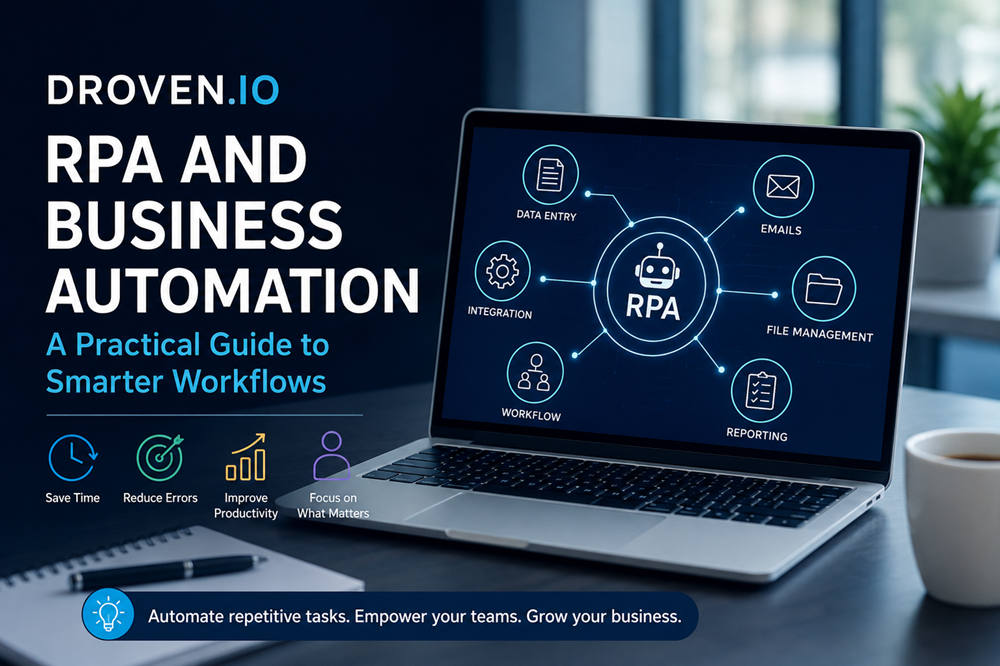
Business automation sounds complex, but much of it starts with ordinary work: copying data, checking forms, updating records, sending reminders, moving files, and keeping different tools in sync. These tasks are easy to overlook because they feel small. Over time, they quietly take hours from teams and slow down the work that actually needs human attention.
Droven.io sits in the broader conversation around AI, digital transformation, future work, and business innovation. RPA, or robotic process automation, is one practical part of that conversation. It uses software bots to handle repetitive digital tasks so businesses can reduce manual effort, improve accuracy, and keep workflows moving with less friction.
Used well, automation is not about replacing human judgment. It is about removing the repetitive steps that make good work harder than it needs to be.
What Is Droven.io?
Droven.io is a technology-focused editorial platform covering topics such as artificial intelligence, digital transformation, automation, future work, and business innovation. It is best understood as a source for learning about modern technology trends rather than a confirmed standalone RPA software provider.
That difference matters because RPA is a specific type of automation. Before a business chooses any automation tool, it needs a clear understanding of what RPA can do, which tasks are worth automating, and where human oversight still matters.
What Does RPA Mean in Business Automation?
RPA stands for robotic process automation. In business, it usually refers to software bots, not physical robots. These bots follow rules to complete repetitive tasks inside digital systems.
According to IBM’s explanation of robotic process automation, RPA can automate repetitive and time-consuming back-office tasks by using software robots that imitate human actions on a computer.
In simple terms, RPA can help with tasks such as:
- Copying data from one system to another
- Opening files and extracting information
- Updating customer records
- Processing invoices
- Sending routine emails
- Checking forms for missing details
- Creating standard reports
- Routing requests to the right department
The best RPA tasks are usually predictable. They follow a clear pattern, use structured data, and do not require much personal judgment.
How RPA and Business Automation Work Together
RPA is one part of business automation. It usually handles a specific task, while business automation looks at the full workflow.
For example, an RPA bot might copy invoice details from an email into accounting software. A larger automation workflow may also check the invoice against a purchase order, send it for approval, notify the finance team, and update a monthly report.
That is the real difference. RPA can make one task faster. Business automation can make the whole process smoother.
This is why companies should not focus only on bots. They also need to look at the process behind the bot. If a workflow is messy, unclear, or outdated, automation may only make the problem move faster.
Why Businesses Care About RPA and Automation
Many companies run on hidden manual work. Employees update spreadsheets, move information between apps, check forms, send reminders, and fix small mistakes every day. None of these tasks may seem dramatic, but together they create delays and waste time.
RPA and business automation can help companies:
- Save time on repetitive work
- Reduce copy-and-paste mistakes
- Keep records more consistent
- Speed up approvals and handoffs
- Improve visibility into daily operations
- Handle growth without adding unnecessary admin work
- Give employees more time for planning, service, and problem-solving
The strongest automation projects usually begin with one clear pain point. A team may be tired of late invoice approvals, messy customer records, slow onboarding, or repeated report-building. When the problem is specific, automation is easier to design and measure.
Common Business Tasks That Can Be Automated
Not every task should be automated. The best candidates are tasks that happen often, follow clear rules, and take more time than they should.
1. Invoice Processing
Finance teams often receive invoices by email, download attachments, enter supplier details, match amounts, and send documents for approval. RPA can help capture information, update records, and trigger reminders when approvals are late.
2. Data Entry
Data entry is one of the most common automation use cases. If employees are copying the same type of information between spreadsheets, CRMs, forms, or databases, automation can reduce errors and save time.
3. Customer Onboarding
A new customer may need account setup, document collection, identity checks, welcome emails, and internal notifications. Automation can make the process more consistent and help prevent missed steps.
4. Payroll Updates
HR and finance teams often handle employee changes, timesheets, benefit updates, and payroll records. Automation can help route information, check for missing fields, and reduce repeated manual updates.
5. Report Generation
Many teams build weekly or monthly reports by collecting data from different systems. Automation can gather the data, organize it, and send reports on a set schedule.
6. Email Follow-Ups
Sales, support, and operations teams often send routine follow-ups. Automation can send standard messages, create reminders, or alert employees when a response needs personal attention.
7. Lead Management
Sales teams can use automation to assign leads, update CRM records, send first-touch emails, and notify the right person when a high-value lead comes in.
8. IT Ticket Routing
IT teams receive requests that need to be categorized, assigned, or escalated. Automation can sort tickets based on keywords, urgency, department, or issue type.
9. Inventory Updates
Businesses that manage stock can automate inventory alerts, order updates, supplier messages, and system syncing between sales and warehouse tools.
10. Compliance Checks
In regulated industries, teams often need to verify forms, store documents, track approvals, and maintain audit trails. Automation can support these steps, but human review is still important when decisions carry legal, financial, or customer impact.
Benefits of RPA and Business Automation
The value of automation is not only speed. A good workflow can also make daily work cleaner, more reliable, and easier to manage.
Faster Workflows
Bots can complete repetitive tasks quickly because they do not need to switch between tabs, remember steps, or wait for manual reminders. This is helpful when a business handles a high volume of similar work.
Fewer Manual Errors
People make mistakes when they are tired, rushed, or stuck repeating the same task too many times. Automation can reduce simple errors in rule-based processes.
More Consistent Processes
When every employee handles a task differently, results can vary. Automation helps standardize the steps so work is completed the same way each time.
Lower Admin Pressure
Many skilled employees lose time to routine admin. RPA can reduce that workload, allowing teams to spend more energy on work that needs human judgment.
Better Tracking
Automated workflows are often easier to measure. Managers can see where delays happen, which steps slow things down, and how long a process actually takes.
Easier Growth
As a business grows, manual processes become harder to manage. Automation helps teams handle more work without increasing repetitive admin tasks at the same pace.
Limitations and Risks to Consider
RPA can be useful, but it works best when the process is already clear. Automating the wrong workflow can create more confusion instead of less.
One common mistake is automating a broken process. If a workflow has too many unnecessary steps, unclear rules, or outdated approvals, it should be simplified before automation is added.
Software changes can also create problems. Some bots depend on specific screens, buttons, forms, or file formats. If a system changes, the automation may need to be updated.
Data quality matters too. Automation cannot fix messy information by itself. If the data going into the workflow is incomplete or inaccurate, the result may still be wrong.
Security is another important concern. Bots may need access to customer records, employee files, financial systems, or internal tools. Businesses should use careful permissions, audit trails, and regular reviews.
Employees also need to understand why automation is being introduced. When leaders explain the goal clearly and involve the people who know the process best, automation feels less threatening and more useful.
Real-World Use Cases for RPA and Business Automation
RPA can support many departments, especially where teams handle repeated digital tasks.
Finance
Finance teams can automate invoice matching, expense checks, payment reminders, account reconciliation, and financial data entry.
Human Resources
HR teams can automate employee onboarding, document collection, leave request routing, payroll updates, and employee record changes.
Customer Support
Support teams can use automation to sort tickets, update customer profiles, send standard replies, and escalate urgent issues.
Sales and Marketing
Sales and marketing teams can automate lead assignment, CRM updates, email follow-ups, meeting reminders, and campaign reporting.
Operations
Operations teams can automate order tracking, supplier updates, inventory alerts, workflow notifications, and status reports.
What Makes Automation Successful?
Successful automation starts with a clear problem. A business should know what it wants to improve before choosing a tool or building a bot.
Good automation usually has these qualities:
- The process is easy to explain.
- The task happens often enough to be worth automating.
- The rules are clear.
- The data is reliable.
- The right employees are involved early.
- The workflow is tested before launch.
- Results are measured after the automation goes live.
This is why platforms such as Microsoft Power Automate connect automation with workflows across apps, systems, websites, AI, digital process automation, and RPA. Modern automation is not only about one bot doing one task. It is about connecting work across tools in a way that saves time and reduces friction.
The best approach is usually practical and focused. A company can start with one useful process, improve it, measure the results, and then decide what to automate next.
Common Mistakes to Avoid
Businesses often get excited about automation and move too quickly. That can lead to weak results.
Common mistakes include:
- Automating too many processes at once
- Choosing software before understanding the workflow
- Ignoring messy data
- Giving bots too much system access
- Skipping employee training
- Forgetting to test exceptions
- Measuring activity instead of results
- Treating automation as a one-time project
- Removing human review from sensitive decisions
A good automation strategy should focus on real bottlenecks, not flashy technology. The question is simple: does this make the workflow clearer, faster, safer, or more reliable?
Summary
Droven.io RPA and business automation is a useful topic for understanding how modern companies can reduce repetitive work and build smoother workflows. Droven.io belongs to the wider technology and digital transformation conversation, while RPA focuses on software bots that handle rule-based digital tasks.
For businesses, the real value comes from choosing the right processes, keeping data clean, protecting access, and involving employees early. RPA can save time and reduce manual errors, but it still needs thoughtful planning and human oversight.
Automation works best when it supports people. Used well, it removes repetitive friction and gives teams more room to focus on work that needs judgment, creativity, and care.